Privacy Warning WiFi: Understanding The Alert And How to Fix It
Have you ever connected to a WiFi network and suddenly got that annoying “Privacy Warning” pop-up? You are not alone!…
- 1 year ago

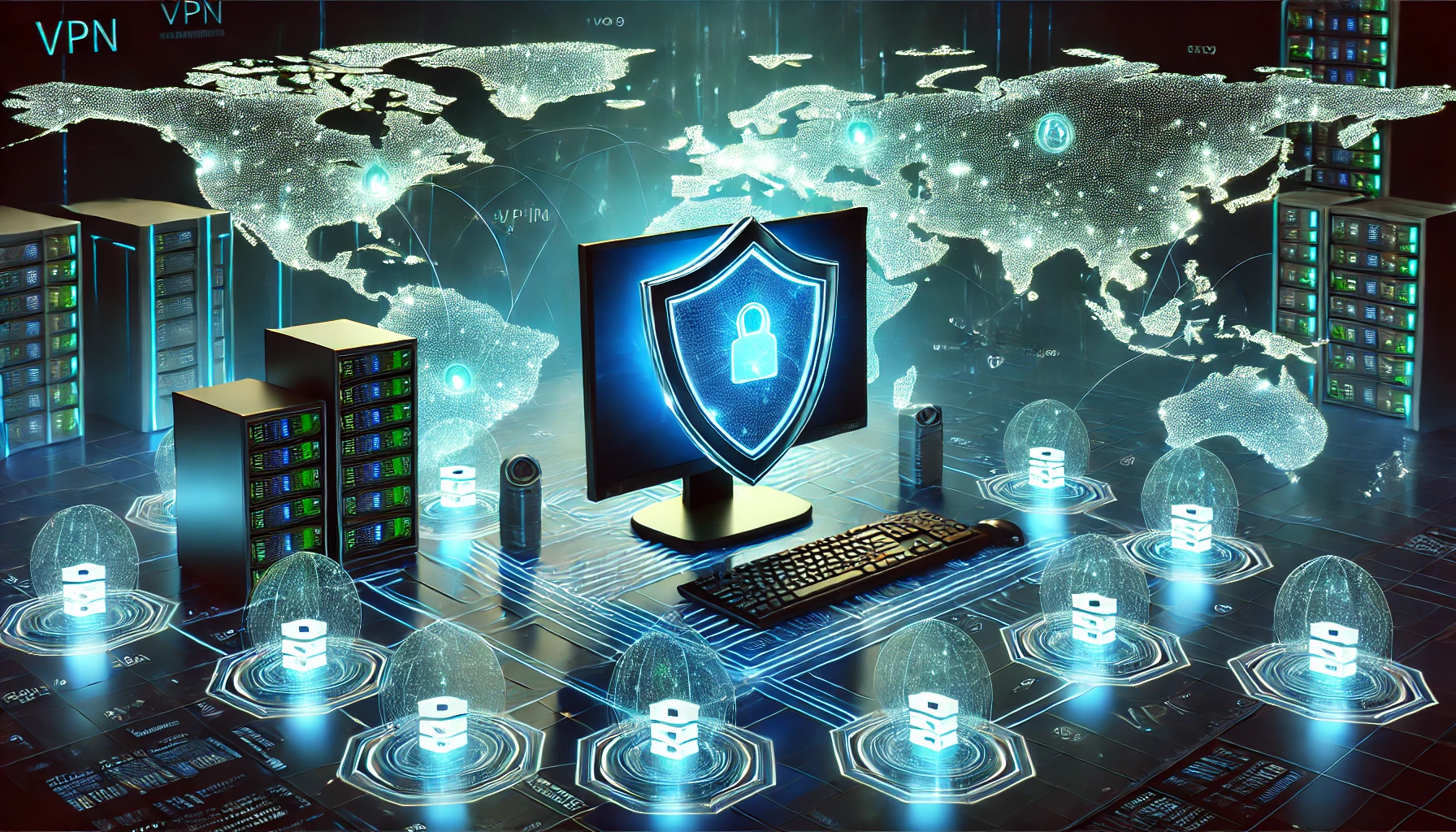
You wouldn’t leave your front door wide open while you’re browsing the internet, right? Yet millions of people do exactly that every single day when they connect to the web without protection. Virtual Private Networks (VPNs) act like a digital fortress, wrapping your online activity in layers of encryption that keep prying eyes out.
A VPN creates an encrypted tunnel between your device and the internet, routing all your traffic through secure servers that mask your real location and identity. Think of it as a secret underground passage that shields your data from hackers, ISPs, and anyone else trying to track your online movements.
The technology behind VPNs isn’t particularly new (they’ve been around since 1996), but they’ve become essential tools for both casual users and businesses alike. Monthly subscriptions typically run between $3 and $13, making them surprisingly affordable for the protection they provide.
When you connect to a VPN, your internet traffic gets encrypted using advanced protocols (like OpenVPN or WireGuard) that scramble your data into unreadable code. This encrypted data travels through a secure tunnel to one of your VPN provider’s servers, which could be located anywhere in the world. The server then decrypts your data and sends it to its final destination on the internet.
The whole process happens in milliseconds, though you might notice a slight slowdown in your connection speed (usually around 10-20% depending on server distance and network conditions). Your real IP address stays hidden throughout this process, replaced by the IP address of the VPN server you’re connected to.
Understanding the different types of VPNs helps you pick the right solution for your needs. Each type serves specific purposes and comes with its own setup requirements.
These are the most common type of VPN, designed for individual users who want to protect their online privacy. Personal VPNs typically come as user-friendly apps that install on your devices and connect to a provider’s network of servers.
Setup is usually automatic – just download the app, log in, and connect. Most personal VPNs use shared IP addresses, meaning multiple users share the same IP address, which makes it harder to track any individual user.
Remote Access VPNs let employees connect to their company’s network from anywhere in the world. When you’re working from home or traveling, these VPNs create a secure tunnel to access corporate resources like internal websites, databases, and file servers.
Setting up Remote Access VPNs requires more technical knowledge. IT teams typically configure the corporate VPN server and distribute client software to employees. Users need credentials provided by their IT department, and connections often require two-factor authentication for extra security.
Also called corporate or enterprise VPNs, Site-to-Site VPNs connect entire networks to each other over the internet. They’re mainly used by businesses with multiple offices that need to share resources securely.
Unlike personal or remote access VPNs, Site-to-Site VPNs require specialized network hardware at both locations. The VPN connection is always on, and users don’t need to connect manually – everything happens at the network level.
The security of a VPN depends heavily on its encryption protocols and authentication methods. Different protocols offer varying levels of security and speed, which affects your overall experience.
This open-source protocol is the gold standard for VPN security. It uses OpenSSL library and TLS protocols to handle encryption, providing incredibly strong security through features like:
The new kid on the block, WireGuard represents the future of VPN protocols. It uses cutting-edge cryptography to deliver:
Internet Protocol Security (IPSec) paired with Internet Key Exchange version 2 (IKEv2) creates a highly secure protocol that’s especially good at handling network changes. It’s popular on mobile devices because it can quickly reconnect if your internet drops.
While VPNs offer comprehensive protection, they’re not the only tools available for online privacy.
| Feature | VPN | Proxy | Secure Browser | SSH Tunnel |
|---|---|---|---|---|
| Encrypts all traffic | Yes | No | Browser only | Yes |
| Hides IP address | Yes | Yes | No* | Yes |
| Easy to use | Yes | Moderate | Yes | No |
| Works with all apps | Yes | No** | No | Yes*** |
| Cost | $3-13/month | Free-$10/month | Free | Free**** |
* Except Tor Browser
** Some proxies work with specific apps
*** Requires manual configuration
**** Assuming you have server access
Not all VPNs are created equal, and picking the wrong one could leave you worse off than having no VPN at all. The best providers maintain strict no-logs policies, meaning they don’t store any data about your online activities.
They should also offer strong encryption standards (AES-256 is the current gold standard), a wide network of servers across multiple countries, kill switch functionality to protect you if the VPN connection drops, regular security audits by independent firms, apps for all your devices, and 24/7 customer support that actually responds when you need help.
Getting started with a VPN is surprisingly straightforward. Pick a provider, create an account, and download their app. Most services offer one-click connections – just hit the big “Connect” button and you’re protected. For more control, you can manually select servers based on location or optimized activities.
Power users might want to set up manual connections using OpenVPN configurations, but most people won’t need to dive that deep. Just remember to enable your VPN’s kill switch feature and keep the app updated.
Yes, but usually not by much. Quality VPNs might reduce your speed by 10-20%, but if you’re seeing bigger drops, try connecting to a closer server or switching protocols.
Most aren’t. Free VPNs often make money by selling your data or showing ads, which defeats the whole purpose of using a VPN. Some might even contain malware. Stick with reputable paid services.
Absolutely. Most major VPN providers offer mobile apps for both iOS and Android. Just download the app, log in, and connect – it’s that simple.
Some might detect VPN usage, particularly streaming services and banks. But they won’t know your real location or what you’re doing online.
VPNs are legal in most countries, but some (like China, Russia, and Iran) restrict or ban their use. Check local laws before connecting.

Have you ever connected to a WiFi network and suddenly got that annoying “Privacy Warning” pop-up? You are not alone!…

The Super Bowl is broadcast across various platforms worldwide, ensuring fans can tune in from almost anywhere. In the United…

IPVanish has been a key player in the VPN industry for over a decade, providing secure and private internet access…
All rights reserved


